

Simple Kanban boards for personal and team task organization.
Freemium (Subscription)Business ToolsMacWindowsAndroidFreemium · See website
Alternative to Asana

All-in-one productivity suite with tasks, docs, goals, and customizable views.
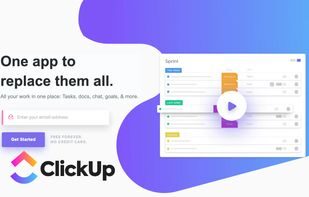
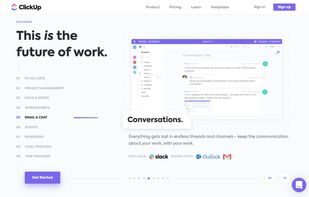
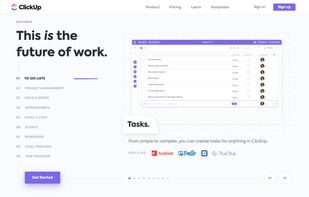
ClickUp combines tasks, docs, whiteboards, goals, and dashboards with highly customizable views and automations. Teams that want one workspace instead of a patchwork of tools use it to manage projects end to end.
ClickUp offers a comprehensive solution with strong customization options and AI features, making it suitable for teams wanting to consolidate multiple tools. However, users should be prepared for a learning curve due to its extensive feature set, and consider potential performance or notification issues.
Strengths
Tradeoffs
What makes ClickUp different from other project management tools?
ClickUp combines project, task, and time management with customizable dashboards and AI features in one platform.
Is ClickUp suitable for solo workers?
Yes, ClickUp offers a free version that is particularly praised by solo workers for its comprehensive features.
Can ClickUp integrate with my existing tools?
Yes, ClickUp integrates with popular tools like Google Calendar, Slack, GitHub, Dropbox, and iCal.
Simple Kanban boards for personal and team task organization.
Alternative to Asana

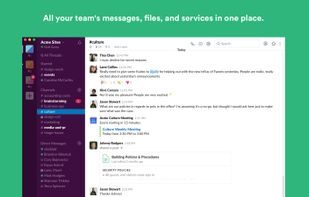
Channel-based messaging and workflows that keep modern teams aligned.

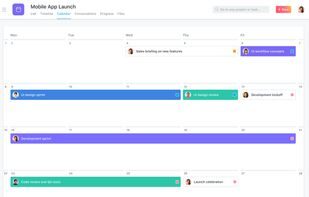
Work management platform for tasks, projects, timelines, and team goals.
Alternative to Trello
ClickUp combines tasks, docs, whiteboards, goals, and dashboards with highly customizable views and automations. Teams that want one workspace instead of a patchwork of tools use it to manage projects end to end. Teams often evaluate it alongside Trello and Slack when comparing pricing, features, and fit for project management for teams of any size.
Sign in to like this product and leave a review.

Productivity
Fast issue tracking and project planning purpose-built for product engineering teams.
Productivity
Work management platform for tasks, projects, timelines, and team goals.

Productivity
Enterprise agile project tracking for software teams and complex programs.