

Windows Supports Windows 10 and Windows 11macOS Supports macOS 12.0 or newerLinux.
ProprietaryVideo & MediaWebFreemium · See website

Async video messaging to explain work without scheduling another meeting.
Loom records camera and screen so teammates share walkthroughs, feedback, and updates asynchronously. It’s popular for design critiques, bug reports, and customer education.

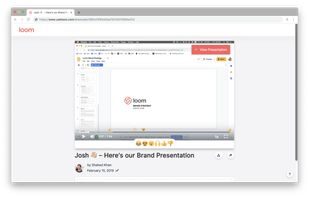
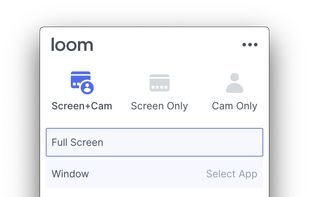
Loom sits in Video & Media alongside options like Official Partner and OBS Studio. Buyers typically care about video & movies, loom, screen sharing. Use the alternatives list and primary sources linked on this profile before you commit.
Strengths
Tradeoffs
What is Loom?
Async video messaging to explain work without scheduling another meeting.
What is Loom best used for?
Video & Movies workflows; Loom workflows; Screen Sharing workflows.
What are alternatives to Loom?
Common alternatives include Official Partner, OBS Studio, ShareX, OpenScreen, Recordly. Compare features, pricing, and platforms on Bookmarkit.
Windows Supports Windows 10 and Windows 11macOS Supports macOS 12.0 or newerLinux.
Loom records camera and screen so teammates share walkthroughs, feedback, and updates asynchronously. It’s popular for design critiques, bug reports, and customer education. Teams often evaluate it alongside OBS Studio when comparing pricing, features, and fit for video & movies workflows.
Sign in to like this product and leave a review.

Video & Media
Professional nonlinear video editing tightly integrated with Adobe Creative Cloud.

Video & Media
CapCut is a Video & Media product used by individuals and teams who want a reliable, modern workflow.

Video & Media
Cloudinary is an end-to-end media management platform for images and videos, used by developers and businesses to handle every stage of the.