

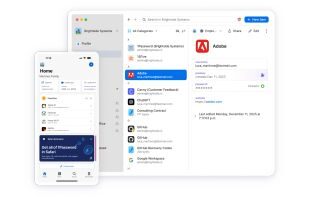
Password manager that generates, stores, and autofills strong credentials securely.
ProprietaryPersonal ProductivityMacWindowsLinuxPaid · See website
Alternative to Bitwarden and LastPass and Proton Pass
Personal productivity tools are the apps one person uses to manage tasks, time, mail, and secrets. This list includes Todoist, Things, Notion, Raycast, Superhuman, 1Password, and Bitwarden. Team trackers such as Jira and Asana live on the business tools list. If the buy needs a company admin, start there.



Personal productivity tools are software for an individual’s tasks, calendar, notes, email, clipboard, and passwords. They can sync across devices. They are not a company work OS. Notion appears here because many people use it as a personal database. The same product appears in team conversations on the business list when it is the company wiki.
This shortlist includes 1Password, Akiflow, Alfred, Amie, Any.do, Anytype, and 34 more.
We include task apps, calendars, launchers, mail clients, and password managers with a catalog profile. Shared project tools stay on the business list.
Open a profile for pricing, alternatives, and a product page.
Password manager that generates, stores, and autofills strong credentials securely.
Alternative to Bitwarden and LastPass and Proton Pass
Save hours every week with your calendars, tasks, and assistant.

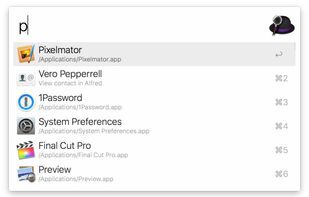
Award-winning macOS launcher with workflows, clipboard history, and snippets.
Our MCP gives Claude or ChatGPT access to your meeting notes, calendar, emails and todos.

DO helps you get things done with your friends in a simple & elegant way.It's free, simple & fun.


Anytype is a Personal Productivity product used by individuals and teams who want a reliable, modern workflow.


Reimagined web browser with spaces, split view, and modern productivity UX.


Open-source password manager for individuals, teams, and enterprises.


Capacities is a Personal Productivity product used by individuals and teams who want a reliable, modern workflow.


CleanShot is a super powerful replacement for the macOS tool.


_A new chapter for our team, and an important update for our customers_.
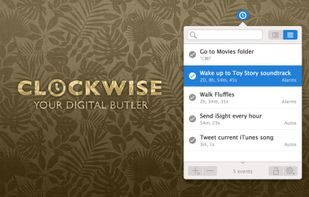

Fantastical is a calendar software with features such as natural language event creation, a visually appealing calendar, and CalDAV.
Alternative to Google Calendar
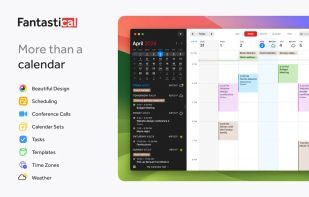

Google Calendar is a Personal Productivity product used by individuals and teams who want a reliable, modern workflow.


Google Tasks is a Personal Productivity product used by individuals and teams who want a reliable, modern workflow.


Heptabase is a Personal Productivity product used by individuals and teams who want a reliable, modern workflow.


Hey is a Personal Productivity product used by individuals and teams who want a reliable, modern workflow.

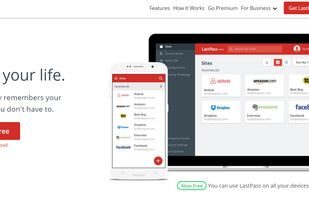
Password manager for storing and sharing credentials across devices.
Magnet is a Personal Productivity product used by individuals and teams who want a reliable, modern workflow.

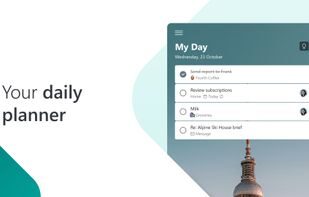
Microsoft To Do is a Personal Productivity product used by individuals and teams who want a reliable, modern workflow.

Miro AI is a Personal Productivity product used by individuals and teams who want a reliable, modern workflow.


Motion is a Personal Productivity product used by individuals and teams who want a reliable, modern workflow.


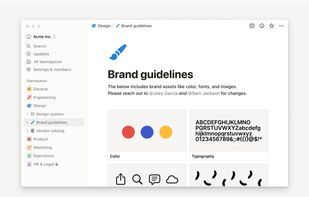
Notion is a Personal Productivity product used by individuals and teams who want a reliable, modern workflow.

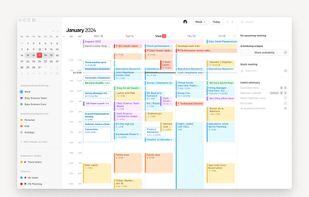
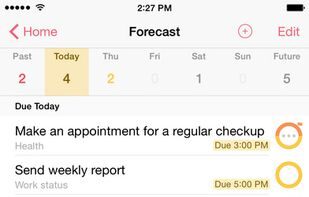
All of your commitments, now in one place.
OmniFocus is a personal task manager by The Omni Group, based in GTD method.

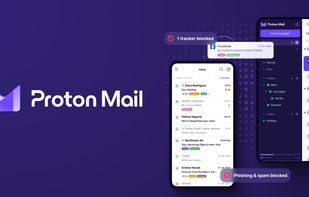
Proton Mail is a Personal Productivity product for modern teams and individuals.
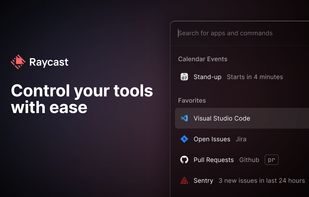
Extensible macOS launcher for apps, snippets, scripts, and team tools.
Reclaim is a Personal Productivity product used by individuals and teams who want a reliable, modern workflow.

Move and resize windows in macOS using keyboard shortcuts or snap areas.

Scrintal is a Personal Productivity product used by individuals and teams who want a reliable, modern workflow.


Spark is a Personal Productivity product used by individuals and teams who want a reliable, modern workflow.


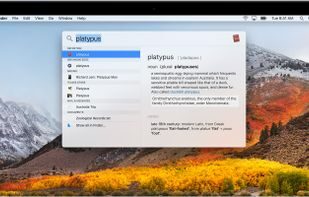
Spotlight is a Personal Productivity product used by individuals and teams who want a reliable, modern workflow.
The only task manager, calendar, and daily planner for modern professionals.


Superhuman Mail is a productivity-focused email application with features designed to streamline email management, improve responsiveness.
Superlist is a Personal Productivity product used by individuals and teams who want a reliable, modern workflow.

This is Tana, an agentic meeting platform where AI agents do real work during native video calls.

Task management has never been this easy.
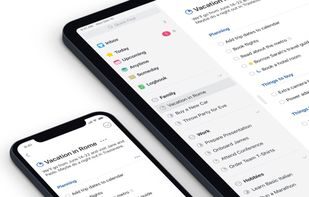

TickTick is a simple and effective to-do list and task manager app which helps you make schedule, manage time, remind about deadlines and.
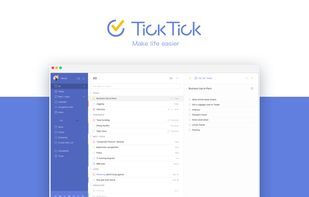

Clean task manager with projects, priorities, and natural-language scheduling.
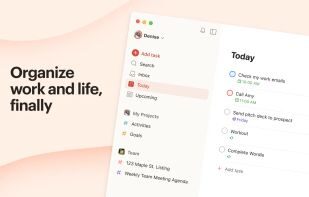

Whimsical AI is a Personal Productivity product used by individuals and teams who want a reliable, modern workflow.


do helps people capture tasks and plan their day with reminders and a clean mobile-first UX.

Pick tasks and passwords first. Notes and launchers come after. Two task apps is how work disappears.
| If this is the job | Look at |
|---|---|
| Tasks | Todoist, Things, TickTick, or OmniFocus. Match the GTD weight you will actually maintain. |
| Calendar and focus | Fantastical, Notion Calendar, Sunsama, Motion, or Reclaim. One calendar source of truth. |
| Launcher | Raycast or Alfred on Mac. Windows users stay with PowerToys or the built-in search until they have a reason. |
| Secrets | 1Password or Bitwarden before you add Superhuman. Email speed does not help if accounts are reused. |
Todoist is the common cross-platform default. Things is a common Apple-only default. TickTick and Microsoft To Do are frequent free or cheap options. OmniFocus is for people who want a heavy GTD system. The best one is the one you open when a task appears. Trial your real recurring tasks.
Both replace Spotlight-style search with commands, snippets, and clipboard history. Raycast ships more built-in extensions. Alfred is older and scriptable. Pick one. Running both means you will not learn either.
You can, if you like databases and you will maintain them. Many people keep Notion for notes and a faster task app for next actions. When Notion is also the company wiki, keep a personal inbox that is not the team workspace.
Only if email volume is the bottleneck and you will use the keyboard workflow every day. Proton Mail and Spark are different buys (privacy vs. shared inbox features). Try the cheaper client’s filters first. A paid mail client does not fix an unread-zero fantasy.
This page is individual. The business list is shared trackers, wikis, and chat. Buy Todoist for yourself. Buy Linear or Asana for the team. Mixing them without a rule creates shadow work.